









Futures trading volume is the total notional value of trades completed during a specified period. It is not the same as profit, account balance, or the amount deposited into an account.
This distinction matters when reading a campaign task. A task may ask for a certain daily trading volume, a total trading volume, or a minimum number of qualified trading days. Meeting a volume requirement does not mean a trader has made money, and it should not determine position size or risk.
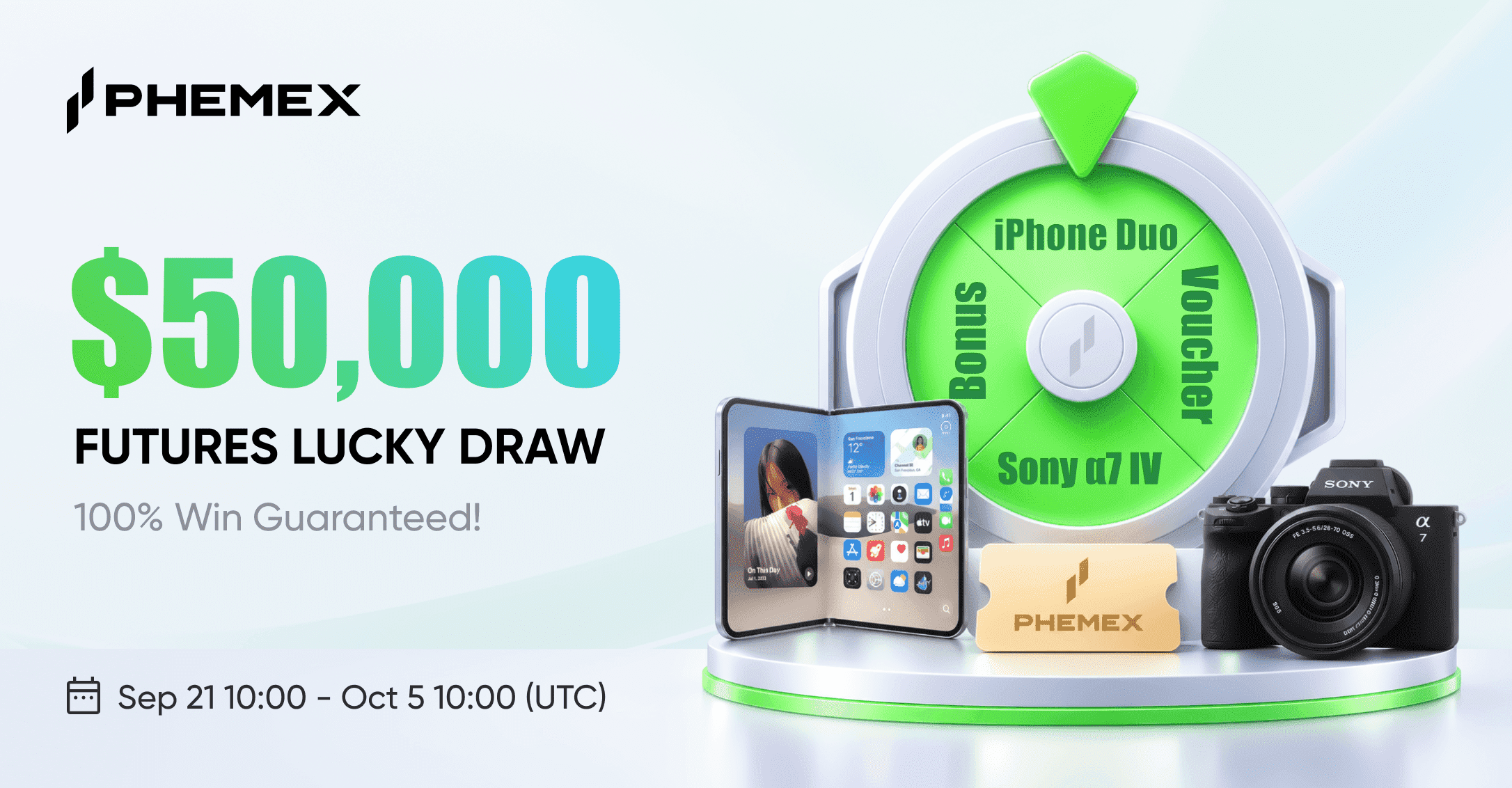
For the current Phemex Futures Lucky Draw, review the official activity page for the complete task list and terms.
What Does Futures Trading Volume Mean?
Trading volume is the notional value of a completed trade. In futures markets, notional value describes the full size of market exposure represented by the position.
For example, assume a trader opens and later closes a futures position with a notional value of 500 USDT. Depending on the campaign’s volume calculation method, the opening and closing transactions may each contribute toward reported trading volume.
Volume is different from:
- Margin: The collateral used to open and maintain a position.
- Position size: The total market exposure of a trade.
- Profit and loss: The financial outcome of a position.
- Account balance: The assets held in an account.
A trader can generate a high trading volume while making a loss. Equally, a profitable trade can involve a low trading volume. Volume is a measure of transaction activity, not trading performance.
Why Is Volume Used in Futures Tasks?
Campaigns may use volume requirements to define eligible activity. The purpose is to set a measurable participation condition.
However, a volume threshold is not a trading recommendation. It does not indicate that a user should take a larger position, use higher leverage, or trade more often than their own strategy allows.
Before participating in a futures task, consider:
- Whether you understand futures contracts and liquidation risk
- Whether the activity fits your existing trading plan
- Whether the position size fits your risk limit
- Whether you can meet the requirement without overtrading
If the answer is no, it may be better not to pursue that task.
Join the Phemex Futures Lucky Draw Today!
Daily Volume vs. Total Volume
The most common source of confusion is the difference between daily volume and total campaign volume.
Daily trading volume
A daily volume task requires a user to reach a stated amount on an individual calendar day. Some tasks also require the user to achieve that daily threshold across several separate days.
For example, the current Phemex Futures Lucky Draw includes tasks such as:
| Daily volume requirement | Required qualified days |
|---|---|
| At least 1,000 USD | 3 days |
| At least 1,000 USD | 5 days |
| At least 3,000 USD | 7 days |
| At least 3,000 USD | 10 days |
A user who reaches 3,000 USD in volume on one day may satisfy that day’s volume threshold. But they have completed only one qualified trading day, not three, five, seven, or ten days.
Total trading volume
A total-volume task measures cumulative activity during the full campaign period. It does not require volume to be spread across separate days.
The current activity includes total-volume tiers such as:
| Total futures trading volume | Ticket reward |
|---|---|
| At least 5,000 USD | 1 ticket |
| At least 30,000 USD | 2 tickets |
| At least 70,000 USD | 3 tickets |
| At least 100,000 USD | 4 tickets |
A user may reach a total-volume threshold in one day or over multiple days, subject to the activity rules. This differs from a daily task, where the number of qualifying dates is part of the requirement.
How Are Qualified Trading Days Counted?
A qualified trading day is a date on which the user meets the stated daily volume threshold.
For a task that requires at least 1,000 USD in daily futures volume across three days:
- Day one: 1,000 USD or more — counts as one qualified day.
- Day two: below 1,000 USD — does not count.
- Day three: 1,000 USD or more — counts as the second qualified day.
- Day four: 1,000 USD or more — counts as the third qualified day.
The task is complete after three qualifying dates, provided all other activity requirements are met.
The activity panel displays a calendar-style tracker. Use it to review which dates have been credited. Do not assume a day has counted until the event page shows the update.
Why Registration Time Matters
For the Phemex Futures Lucky Draw, users must register before their activity can count.
The campaign terms state that:
- Users must register for the event to be eligible for rewards.
- KYC verification is required to receive rewards.
- Only tasks completed after registration are counted.
- Users should select Trade Now to activate the task after successful registration.
This means trading activity completed before registration does not count toward the campaign requirement.
A safe order of operations is:
- Complete KYC.
- Open the official activity page.
- Select Register Now.
- Confirm successful enrollment.
- Select Trade Now for the relevant task.
- Review the task panel before relying on progress.
Which Futures Activity Is Eligible?
The campaign terms state that eligible futures trading volume may include:
- USDⓈ-M Futures
- Coin-M Futures
- Copy Trading
- Trading bots
However, some activity is excluded.
Excluded activity
The following does not count toward the campaign:
- Trading volume generated through API
- Zero-fee trades
- Market-maker activity
- Independent sub-account participation
The campaign terms also state that discounted, bonus-related, or voucher-related trading volume may be excluded or proportionally adjusted.
Sub-accounts cannot participate independently. Their activity is attributed to the main account under the campaign rules.
If you are uncertain about an order type, account type, or fee condition, consult the official activity terms before placing a trade. The campaign page is the final reference for eligibility.
How to Monitor Task Progress
The Phemex activity panel shows users their progress toward each task. It may display:
- Remaining draw tickets
- New futures-user task progress
- Qualified referral progress
- Daily trading volume by date
- Number of qualified trading days
- Total futures trading volume
Task data is updated every 30 minutes. A completed trade may not appear immediately after execution.
A simple monitoring process is:
- Complete an eligible activity.
- Wait for the next update window.
- Reopen the campaign page.
- Review the relevant task counter.
- Check whether the ticket or progress status has changed.
If an eligible action has not been reflected after the expected update interval, review the terms first. Confirm that the activity was completed after registration and that it did not fall within an excluded category.
Basic Futures Risk Controls
Futures tasks should never replace risk management. A campaign ticket is not a reason to take a trade that does not fit your strategy.
Use a position size you understand
Position size determines how much market exposure you hold. A larger position can lead to larger gains or losses. Do not increase size simply to reach a volume target.
Treat leverage with care
Leverage increases exposure relative to margin. It can also increase the speed and size of losses. Higher leverage is not required to take part in a campaign and may increase liquidation risk.
Set a loss limit before entering a position
Decide in advance how much you are willing to lose on a trade. A position should have a defined invalidation point or risk limit independent of any campaign requirement.
Avoid overtrading
Opening multiple trades only to accumulate volume can increase fees, execution risk, and exposure to market volatility. More transactions do not necessarily create a better outcome.
Do not confuse a ticket with a return
A draw ticket provides access to a campaign draw. It is not a guaranteed reward, a profit target, or protection against losses.
A Practical Example
Assume a user sees two tasks:
- At least 1,000 USD of daily volume across three trading days
- At least 5,000 USD of total trading volume during the event
The user reaches 1,200 USD on day one, 1,100 USD on day two, and 1,300 USD on day three.
After three days, the user has:
- Three qualified days for the daily-volume task
- 3,600 USD in total volume
The daily task may be complete, but the total-volume task is not yet complete because cumulative volume remains below 5,000 USD.
This example illustrates why daily volume and total volume should be tracked separately.
Final Checklist
Before taking part in a futures volume task, confirm that you have:
- Completed KYC verification
- Registered for the event
- Activated the relevant task
- Read the daily and total-volume requirements separately
- Checked which trading activity is eligible
- Allowed time for the 30-minute task update
- Reviewed your position size and leverage
- Decided whether the task fits your trading plan
Review the Phemex Futures Lucky Draw task panel and complete only the activities that fit your trading plan.
Risk disclosure: Futures trading involves risk and may result in losses. This article is for educational purposes only and does not constitute financial advice.
