







In the New Rewards Hub, newcomers can earn Newcomer Welcome Gifts by completing tasks like depositing and trading. Existing users can take part in more challenges such as Spot Trading, Futures Trading, Staking and Copy Trading to enjoy your Phemex experience while earning rewards!
Tips: Make sure to complete the KYC verification before finishing your tasks.
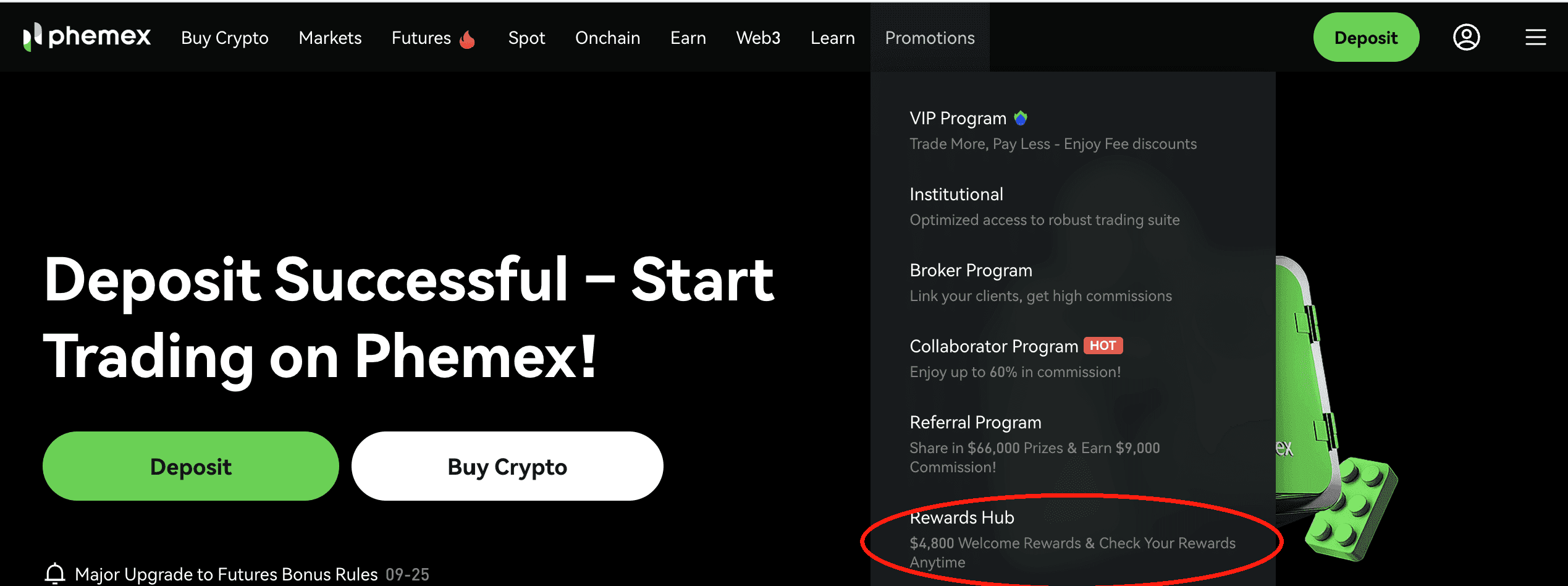
Step 1: First of all, you need to log in to your Phemex account and enter the Rewards Hub through the Website or the App. You can also directly click here to go to the Rewards Hub.
-
Web: At the top - click on Rewards Hub on the top menu bar More Promotions
-
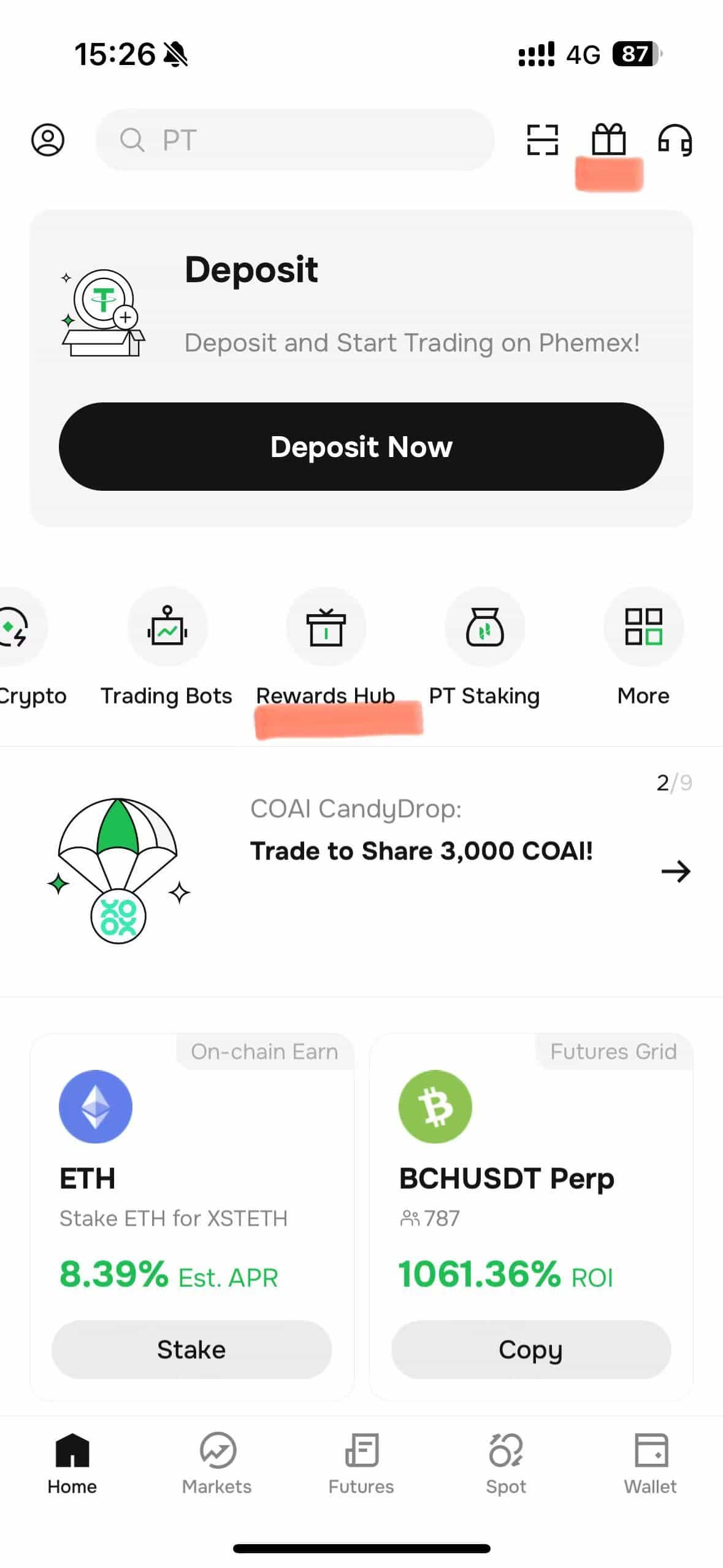
App: you can also access through Phemex App. Click on “Rewards Hub” on the main page.
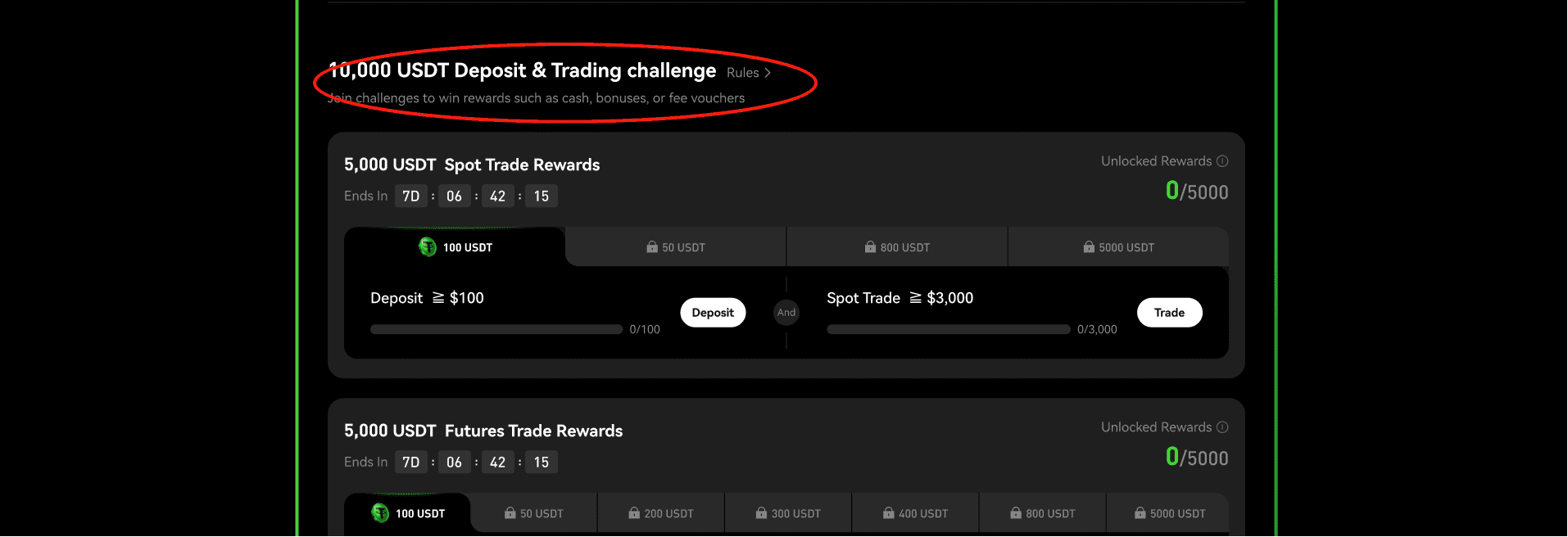
Step 2: Find and Get your Tasks
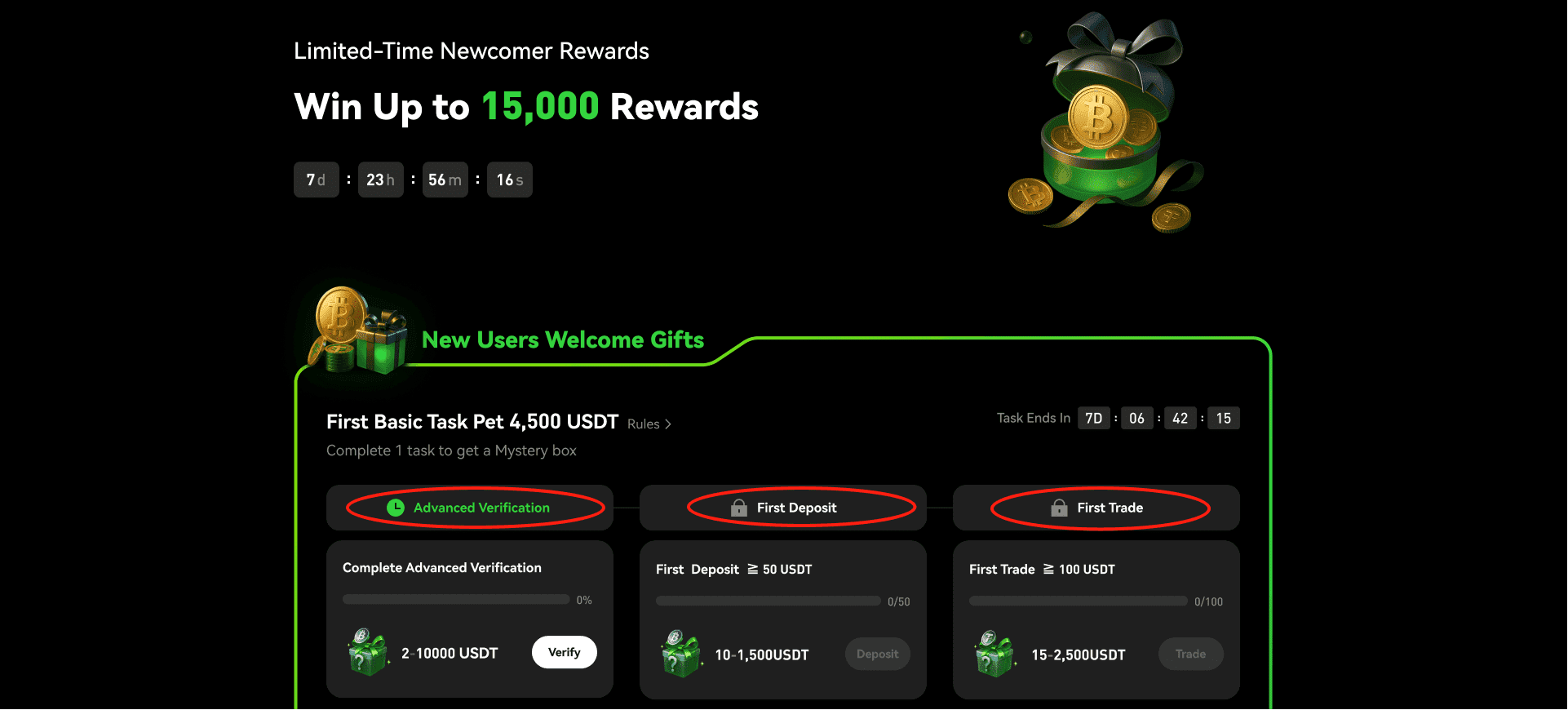
For newly registered users that have not completed the newcomer tasks, you can view the newcomer tasks after entering the Rewards Hub. Complete the tasks according to the task guide to get the corresponding newcomer benefits. After completing the tasks, you will need to collect the rewards manually.
Step 3: How do I check my rewards?
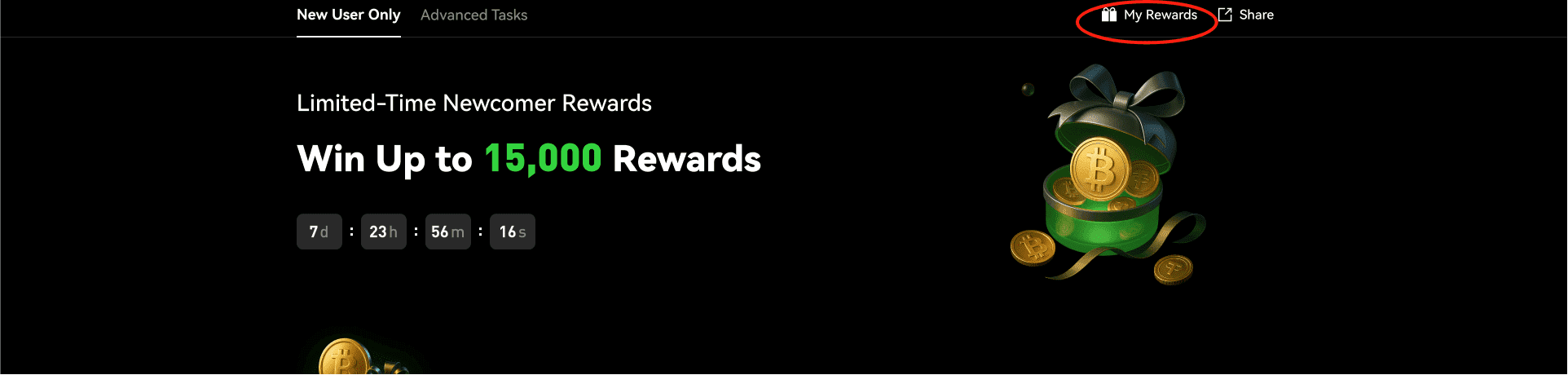
Click on “My Rewards” page and check the rewards you have won.
For any inquiries contact us at support@phemex.com
Follow our official Twitter | Join our community on Telegram
Trade crypto on the go: Download for iOS | Download for Android
Phemex | Break Through, Break Free
 Submit Ticket