








Quick Answer:
To report your taxes, Phemex has partnered directly with Kryptos and CoinTracking. Log into your Phemex account, navigate to the Tax Reporting Page, and click "Download Transaction History." Once downloaded, upload this CSV file to either Kryptos or CoinTracking. Both platforms offer exclusive discounts to Phemex users and are designed to automate complex crypto tax calculations to ensure you remain compliant with the tax authorities in your jurisdiction.
Tax season can be a daunting time for cryptocurrency traders. As a Phemex user, you do not need to manually calculate complex capital gains or losses. Phemex has streamlined the process by integrating with industry-leading tax reporting services to ensure you remain compliant with the tax authorities in your jurisdiction, regardless of where you reside.
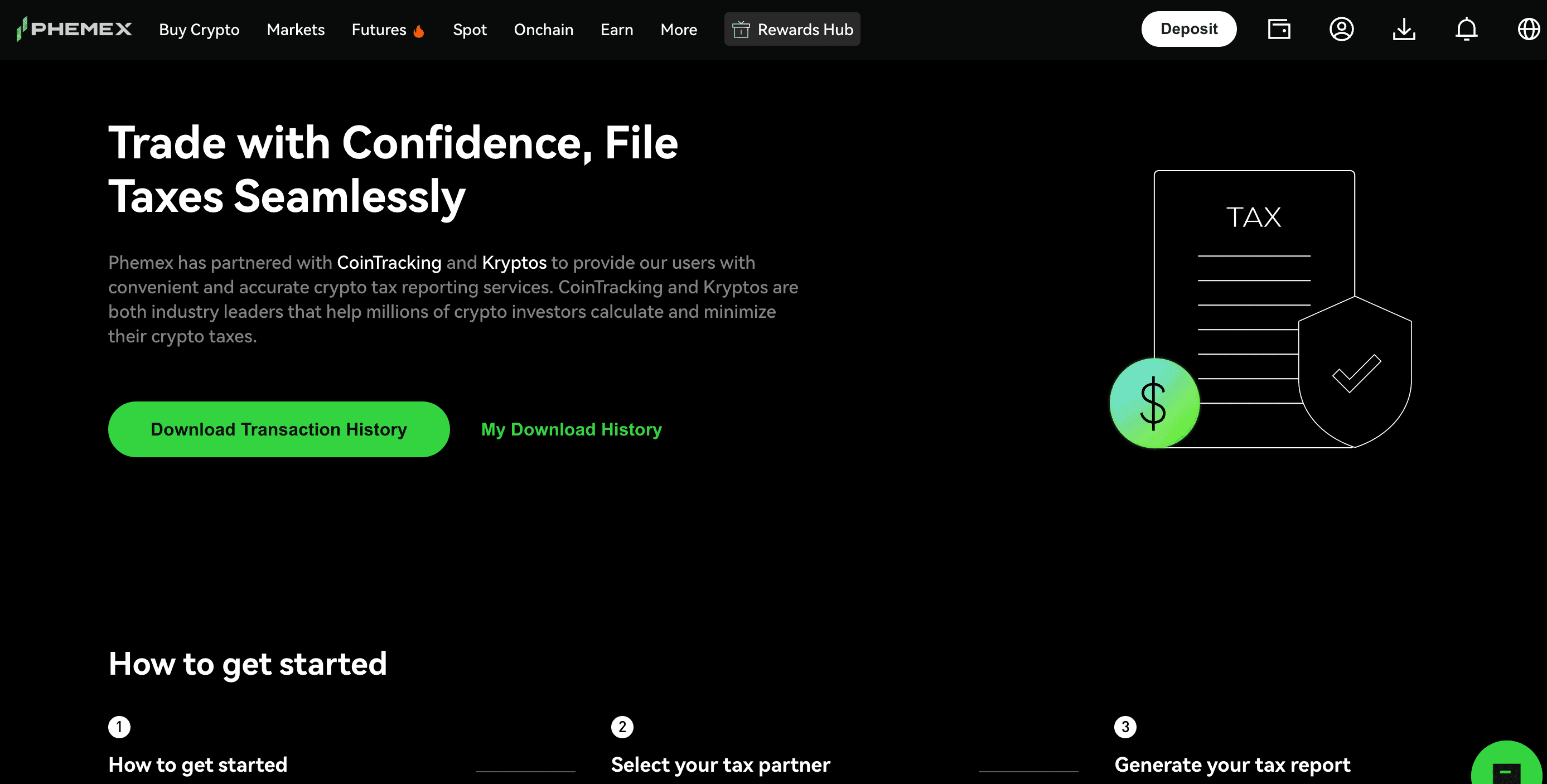
How to Use the Phemex Tax Reporting Service
Phemex provides a dedicated portal that prepares your data for professional tax software. Follow these three simple steps:
Step 1: Download Your Data
-
Log in to your Phemex account.
-
Navigate to the Tax Reporting page.
-
Click the "Download Transaction History" button. This file includes your main account and sub-account transaction data, ensuring a comprehensive record of your trading activity.
Step 2: Choose Your Tax Partner
Phemex currently partners with two premier tax platforms, both of which offer exclusive discounts for Phemex users:
-
Kryptos (25% Discount): A comprehensive platform trusted globally. It is ideal for users looking to track and report taxes across tokens, NFTs, and complex DeFi positions. It supports a wide range of countries and jurisdictions.
-
CoinTracking (10% Discount): A powerful tool with extensive global coverage. It is highly regarded for its ability to generate detailed tax reports that align with the requirements of tax authorities worldwide.
Step 3: Generate Your Tax Report
After downloading your CSV file from Phemex, log in to your chosen tax platform (Kryptos or CoinTracking), select Phemex as your exchange, and upload the file. The software will automatically match your trades and calculate your taxable liabilities.
Why Use Phemex’s Partnered Tax Tools?
-
Compliance: These platforms are optimized to generate reports that satisfy the documentation requirements of tax authorities in your jurisdiction.
-
Accuracy: Manually tracking trades—especially high-frequency futures or margin trades—is prone to human error. These tools use automated algorithms to handle your cost-basis accounting (FIFO, LIFO, etc.).
-
Cost-Efficiency: As a Phemex user, you benefit from exclusive discounts when you access these services through the Phemex Tax Reporting portal.
Frequently Asked Questions (FAQs)
What if the tax software I prefer is not a Phemex partner?
You can still use your preferred tax software. Simply download your Phemex transaction history CSV via the Tax Reporting page and upload it to your chosen platform. Ensure the software supports a "Custom CSV Import" for Phemex to map your data correctly.
What kind of transactions require tax reporting?
Generally, taxable events include selling crypto for fiat currency, trading one crypto for another, using crypto to pay for goods or services, or receiving staking rewards. Always consult your local tax guidelines or a professional CPA to confirm which actions constitute a "taxable event" according to the tax authorities in your jurisdiction.
Does Phemex support sub-account tax reporting?
Yes. When you download your transaction history from the Phemex Tax Reporting page, the file includes records for both your main account and your sub-accounts, ensuring you have a full picture of your portfolio for tax purposes.
Disclaimer: This guide is provided for educational purposes only and does not constitute financial, legal, or tax advice. Tax laws vary by jurisdiction and are subject to change. Please consult with a qualified tax professional in your region regarding your specific tax obligations.
